CarPlay navigation and AID navigation
I never understood why the Active Info Display (AID) does not show navigation map when Apple CarPlay has navigation active. When that is the case, it simply shows a message telling me that navigation is active on the the phone. Luckily, there is a way to change this.
Just recently I discoverd a YouTube video by Sami Haqs Cars, where he showed how to bypass this ‘feature’. It is actually very simple, and requires the use of MIB2 Toolbox. I was aware of this tool long ago, but never knew I could use it for this purposes.
Installation is quite simple. Download the repository as a ZIP file, extract it to the root of a FAT32-formatted SD-card and insert it into the SD-card slot of the infotainment system. Then open the software menu (hold the menu button for a few seconds) and start the software update from the SD-card. The system will reboot a few times, but eventually it will only install the toolbox.
Once installed, you can start the toolbox by opening the software menu again. This time, there will be a new option to open the ‘Testmode’ menu, and then the ‘Green Engineering Menu’. In this menu, you can enable the option ‘Navigation on AID with CarPlay’.
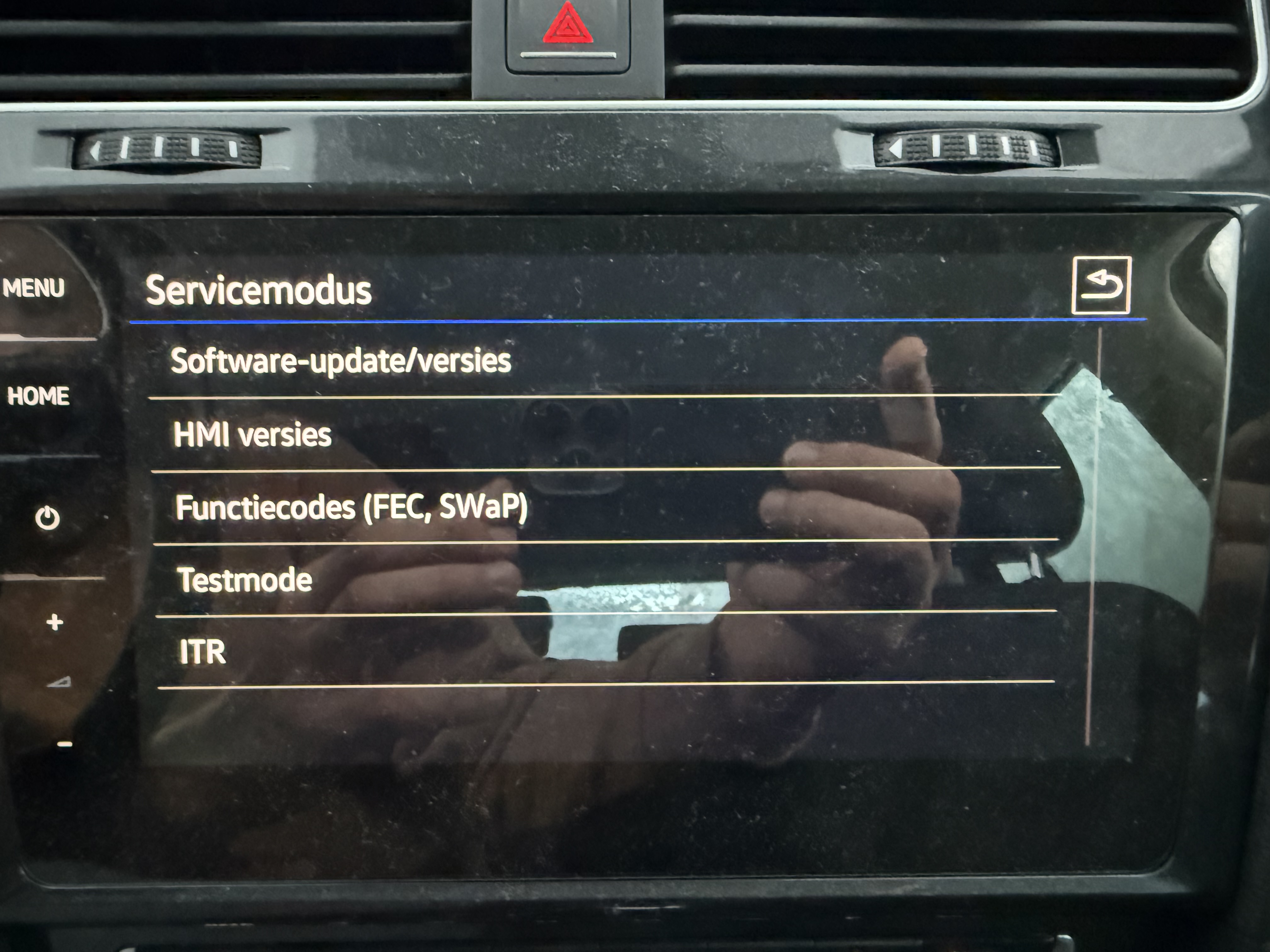
Then navigate to ‘mqbcoding’ -> ‘customization’ -> ‘navigation’ and enable then select the ‘Ignore navigation status from smartphone’ option. Apply it, then reboot the system by holding the power button for 10 seconds.
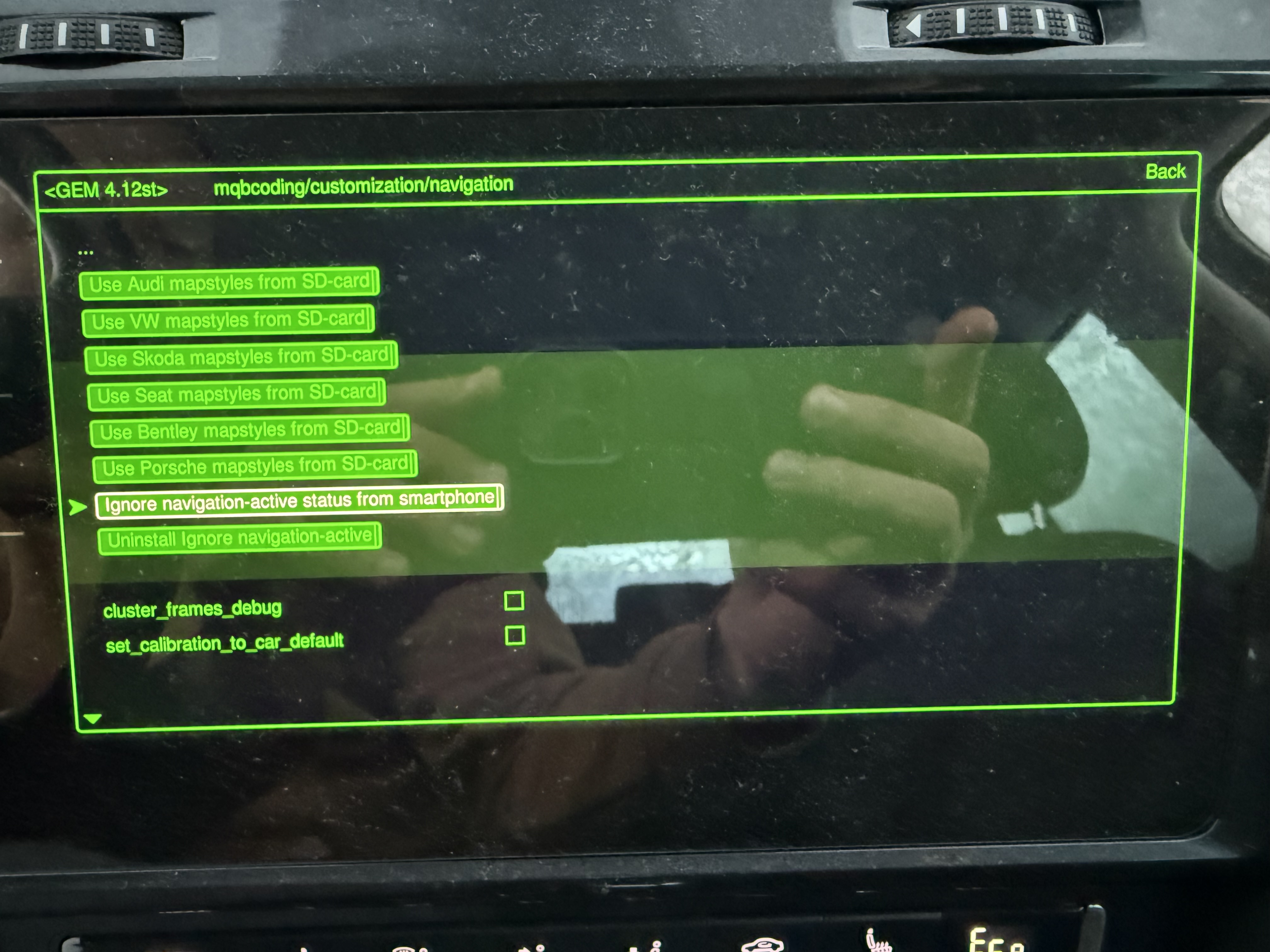
To verify if it works, start navigation using CarPlay, and check if the navigation map is still shown on the AID. A simple mod that is really worth it.